
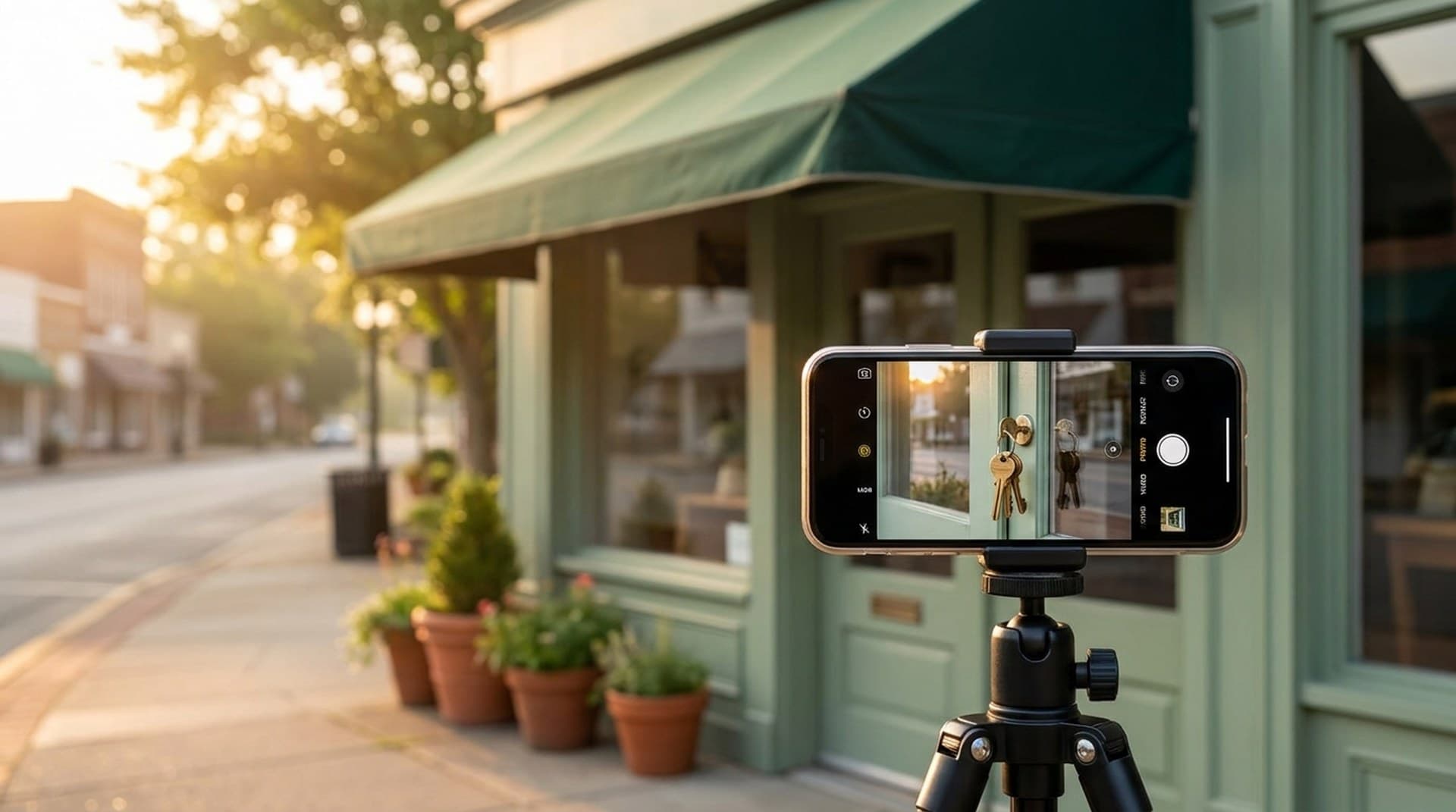
Google Business Profile video verification passes when one unedited phone recording proves three things: where the business is, that it actually operates there, and that you control the place. Google's own requirements are a clip of at least 30 seconds, recorded and uploaded from a mobile device through the Business Profile, showing location context (street signs, building numbers, neighbors), proof the business exists (permanent signage, or tools and branded gear for service-area businesses) and proof of management (unlocking the door, employee-only areas, a permit or utility bill). Most rejections we see come from skipping one of those three, not from bad video quality.
That's the short version. The rest of this post is the shot list we hand clients, the rejection patterns we keep running into and what to do when Google says no twice.
Why is Google asking for a video at all?
Because the old ways got gamed. Postcards went to virtual offices, phone codes went to burner numbers, and fake listings for locksmiths, garage door companies and movers flooded the map pack. Video is harder to fake cheaply. A reviewer can see if the "office" is a coworking lobby, whether the sign is a vinyl banner taped to a window and whether the person filming can actually open the door.
Google now offers video as the default method for a lot of new profiles, and it also asks for it on established profiles after a big edit: a name change, an address move, a category change or a suspicious pattern of edits. So even a business that's been verified for years can land back in the video queue after an innocent-looking update.
Treat verification as something you'll do more than once, not a one-time setup step. If you're doing a rebrand or a move, plan the video before you make the edit.
What exactly does the verification video need to show?
Google's video verification help page splits it into three proofs. Think of them as three scenes in one take.
- Scene 1: Location. A street sign, the building number, a recognizable landmark or neighboring businesses. The reviewer is matching your footage against the address on the profile and against Street View.
- Scene 2: The business exists. For a storefront, permanent signage with the business name. Google says "permanent fixture" for a reason. A banner or printed sheet in a window reads as temporary. For a service-area business, this is your equipment, tools, products or branded apparel.
- Scene 3: You manage it. Unlock the front door, open a back office or storage room, show the register, or open the work vehicle. A permit, license or utility bill in the business name is a strong closer.
The technical rules matter as much as the content:
- At least 30 seconds. We aim for one to two minutes. Under 30 is an automatic fail, and a rushed 35-second clip usually skips a scene.
- One continuous take. No edits, no cuts, no stitched clips. Pausing counts as a break.
- Recorded inside the Business Profile flow on a phone. Footage shot earlier and uploaded from your camera roll doesn't qualify.
- No sensitive data. No bank or tax numbers, no ID numbers, no customer paperwork, no other people's faces.
Audio doesn't carry weight, so don't narrate. Reviewers are looking, not listening, and a voice explaining "this is our shop" proves nothing the camera doesn't.
Why do verification videos get rejected?
In our experience, rejections almost always fall into one of five buckets. Only one of them is actually about the video.
1. The profile data doesn't match reality. The profile says "Suite 200," the door says "204." The profile name includes "Best Plumber Dallas," the sign says "Ortega Plumbing." The video is fine; the listing is wrong. Clean up the name, address and category first. Stuffing keywords into the business name is still a guideline violation and a reliable way to get flagged. We covered how that spirals in our post on Google Business Profile suspensions for service-area businesses.
2. No permanent signage. This is the big one for new businesses. A vinyl banner, a paper sign or a sign that's only on a shared building directory often isn't enough. If your permanent sign isn't up yet, wait. Verifying before the sign is installed is the most common self-inflicted failure we see.
3. No proof of access. Filming the outside of a building proves you can stand on a sidewalk. Google wants to see you open the door with a key, badge or code and walk in. Film the unlock in the same continuous shot as the exterior.
4. The address looks like a virtual office or coworking space. Shared suites, mailbox stores and "executive office" addresses are exactly what video verification was built to catch. If you genuinely work from a coworking space with no dedicated signed door, you're probably not eligible for a storefront address and should set up as a service-area business with the address hidden.
5. The upload broke. Weak cell signal in a basement or elevator lobby can kill the upload mid-recording. Check signal before you start, and if a building has dead zones, plan a route that stays near windows.
What should a service-area business film?
Plumbers, HVAC techs, cleaners, mobile detailers and roofers don't have a storefront to show, and that's fine. Google's service-area guidance asks for location indicators, tools or branded gear, and proof of management. Here's the shot list we use:
- Start on a street sign or landmark near the address you registered (usually home or a shop yard).
- Walk to the work vehicle. Get the branded wrap or decal in frame if you have one.
- Unlock the vehicle and open it. Show the tools, parts and equipment inside.
- Show branded uniforms or apparel if they exist.
- Close on a business license, trade permit or insurance certificate in the business name.
For service-area businesses, the unlocked work vehicle is your storefront. It covers "the business exists" and "you control it" in about fifteen seconds of footage.
If you run the business from home, don't film your living room. Film the street sign, the garage or equipment area and the documents. Then make sure the profile has the address hidden and service areas set, because a home address shown publicly as a storefront is its own suspension risk.
How do you record the video so it passes the first time?
Prep takes longer than recording, and it should. Here's our order of operations.
Before you film:
- Match the profile's name, address, phone and category to the signage and documents, character for character.
- Put the license, permit or utility bill where you can grab it mid-shot.
- Clear customer documents, screens and whiteboards out of frame.
- Pick a quiet time. No staff or customers wandering through, because other people's faces are off limits.
- Check the phone's battery and signal at every point on your route.
While filming: street context, sign, unlock, walk in, employee-only area or equipment, document. Move slowly. Hold each proof point steady for three to five seconds. Keep the camera horizontal-ish and pointed at what matters, not the floor.
After you submit: leave the profile alone. Google says review takes up to 5 business days. Editing the name, address or category while it's pending is the fastest way to restart the clock.
What happens if Google rejects the video?
Google shows the reason under Review issues on the profile. Read it literally. If it says location wasn't clear, your next video leads with a much better street shot. If it says proof of management was missing, you unlock the door on camera this time.
Then record a completely new video that still covers all three scenes, not just the missing one. The replacement is reviewed as a whole.
After two failures, change tactics. Uploading a third and fourth variation of the same weak video rarely helps. Google's verification overview points to alternative methods when video isn't working, and Business Profile support can review supporting evidence directly: a business license, a utility bill in the business name, photos of permanent signage and the storefront. Gather those before you contact support so the agent can actually decide.
If the business genuinely doesn't meet the eligibility rules, no video will fix it. That's usually the coworking-address case, and the fix is changing how the profile is set up, not how the video is shot.
Does verification affect rankings?
Indirectly, yes. An unverified profile doesn't show up properly in Maps or the local pack, can't respond to reviews and can't publish updates. It's invisible in the places local customers actually look. With Google's Gemini-powered answers now pulling directly from profile data, an accurate verified profile matters more than it used to. We wrote about that shift in how Ask Maps reads your business.
Verification is just the entry ticket. What wins the local pack after that is still the boring work: consistent categories, real photos, steady reviews and a website that backs up what the profile says. Our local SEO playbook for Dallas businesses walks through that, and our note on Google's review policy for automated review requests covers the review side without risking the profile you just verified.
Our take
Video verification is annoying, but it's fair. It rewards real businesses with real signs and real keys, and it punishes the lead-gen listings that have cluttered local search for years. Plan the shoot like a two-minute checklist, not a vlog, and you'll pass on the first try far more often than not.
If your profile is stuck in verification, suspended after an edit or verified but not getting calls, we can take a look. Get a Free Automation Audit and we'll review your Business Profile, local rankings and the lead follow-up that should kick in once the calls start coming.